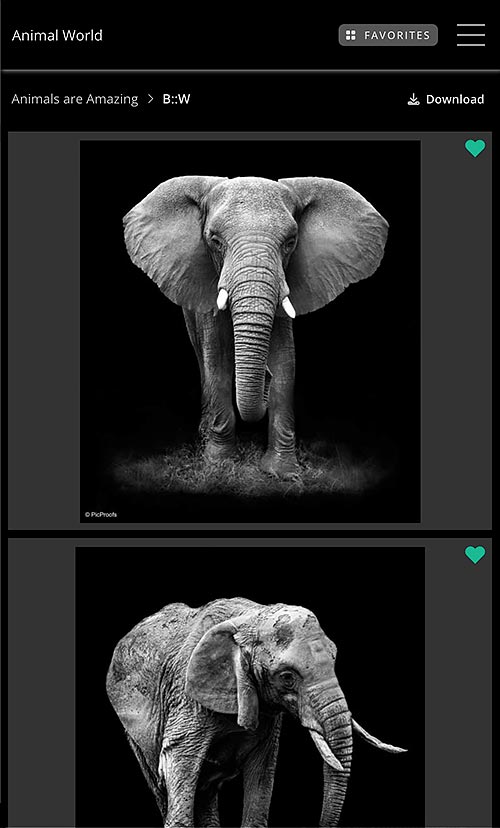
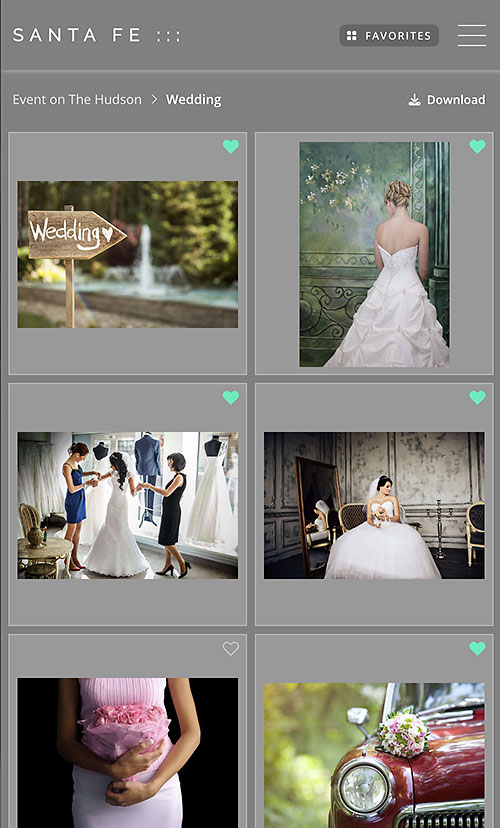
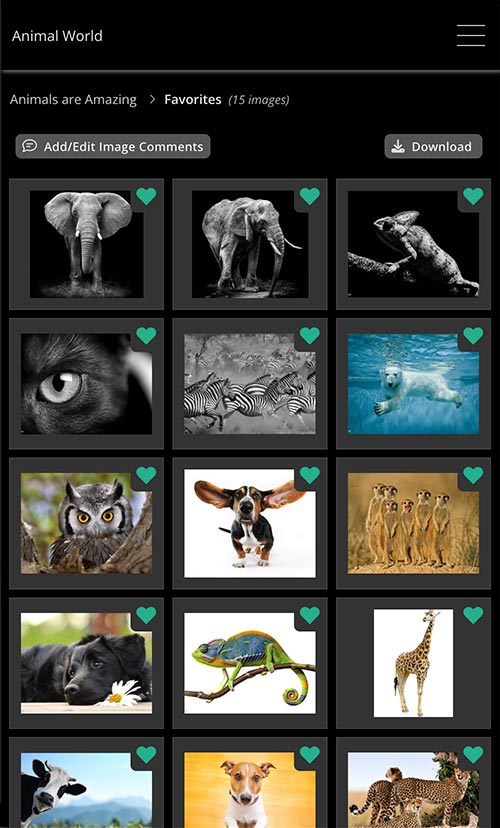
At SiteWelder, we have served photographers and artists with beautiful and powerful photo and image-based websites since 2003. We recently created a new module called PicProofs to make it easier for our users to post jobs for their clients and visitors.
With user feedback, we learned that photographers wanted an easy-to-use, no-frills system that allowed their visitors and users to quickly choose and download selected photos without having to go through a complicated approval process or use a separate application like Dropbox™ or WeTransfer™.
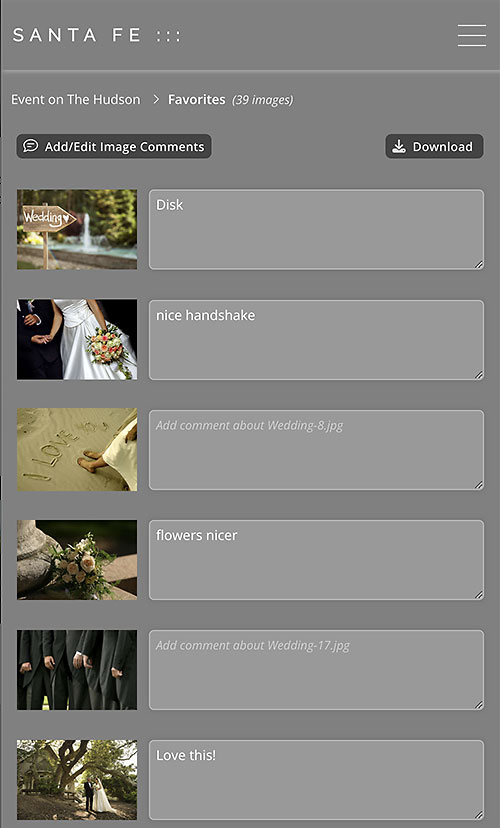
We integrated their suggestions and watched how users interacted with PicProofs. In addition to the ability to add, organize and download favorite photos, we made it easy to download entire galleries with a single click. Visitors to their jobs wanted to comment and make requests about individual photos. Job done - it's now simple to add comments for requesting prints or making changes to photos. You will instantly receive an email with photo thumbnails of their selected photos along with the original image file names and any comments.
When job visitors download photos, the downloads go directly to their computers or mobile devices - no complicated delivery process or time-consuming need to download a special app. We also made it easy to send out professional email invitations to your visitors for viewing your jobs with simple instructions.
We created an intuitive and easy-to-use interface for creating and maintaining jobs. The PicProofs admin interface makes it simple to choose different landing page options, edit user access privileges and job options, and create multiple galleries for each job. Each job can have its own color theme choice as well. For personalization, personal branding is included, with an option for uploading your own logo and creating an informational / contact page to work with other new potential clients.
Uploading photos for your jobs is also easy and fast. After uploading your photos, you can re-sort, move photos between galleries and more. We also help you with detailed instructions about saving your photos for the web.
"Keep it Simple and Make it Beautiful"